Getting data into a new platform is usually the first friction point. You have a spreadsheet, a database export, or a CSV dump from another tool — and now you need to define a schema, map columns, write a script, and bulk-insert records through the API.
We built CSV import to skip all of that.
How It Works
From the Collections page, click Import and select Import CSV. The rest is a guided 5-step flow.
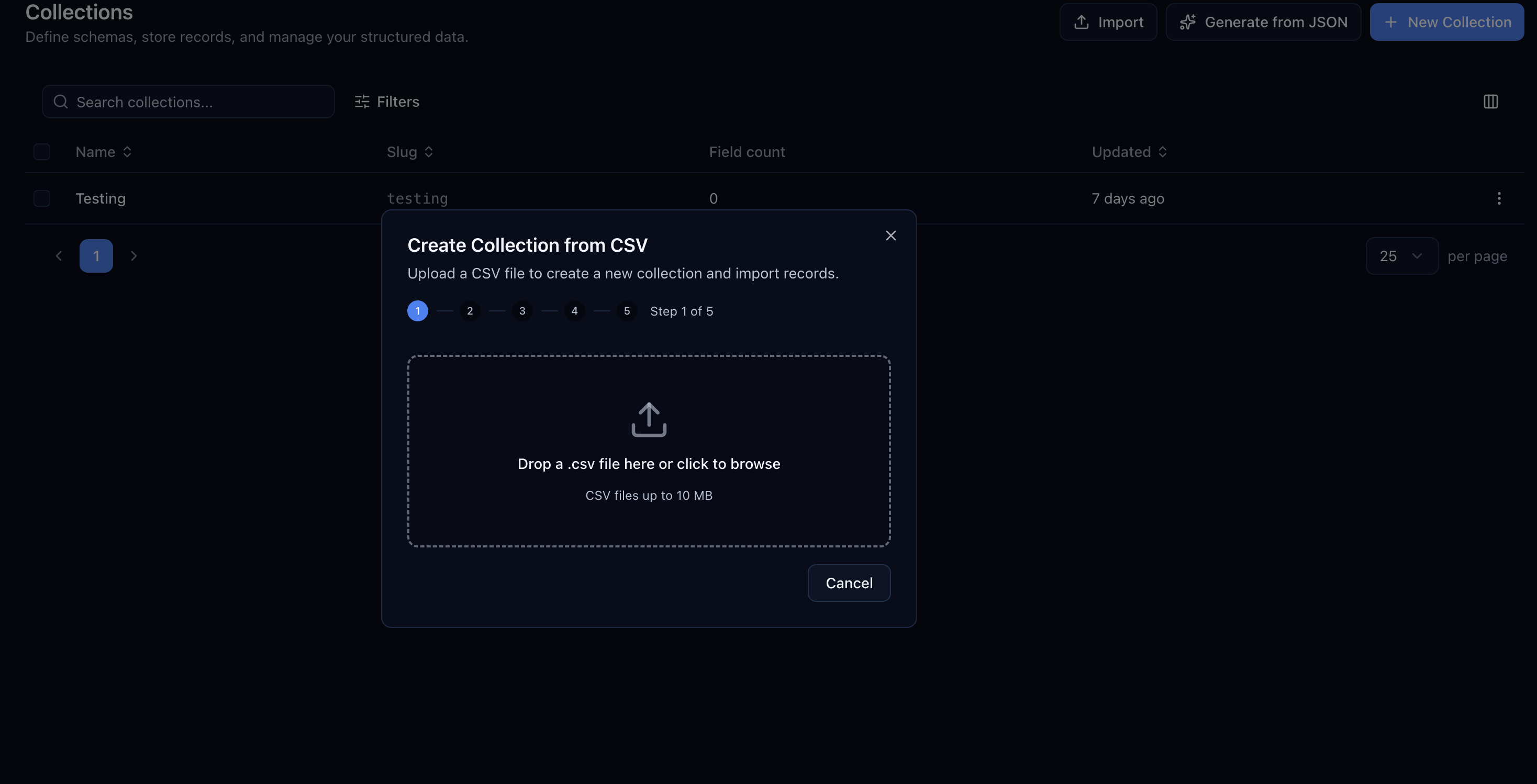
Step 1: Upload Your File
Drag and drop a .csv file or click to browse. Files up to 10 MB are supported.
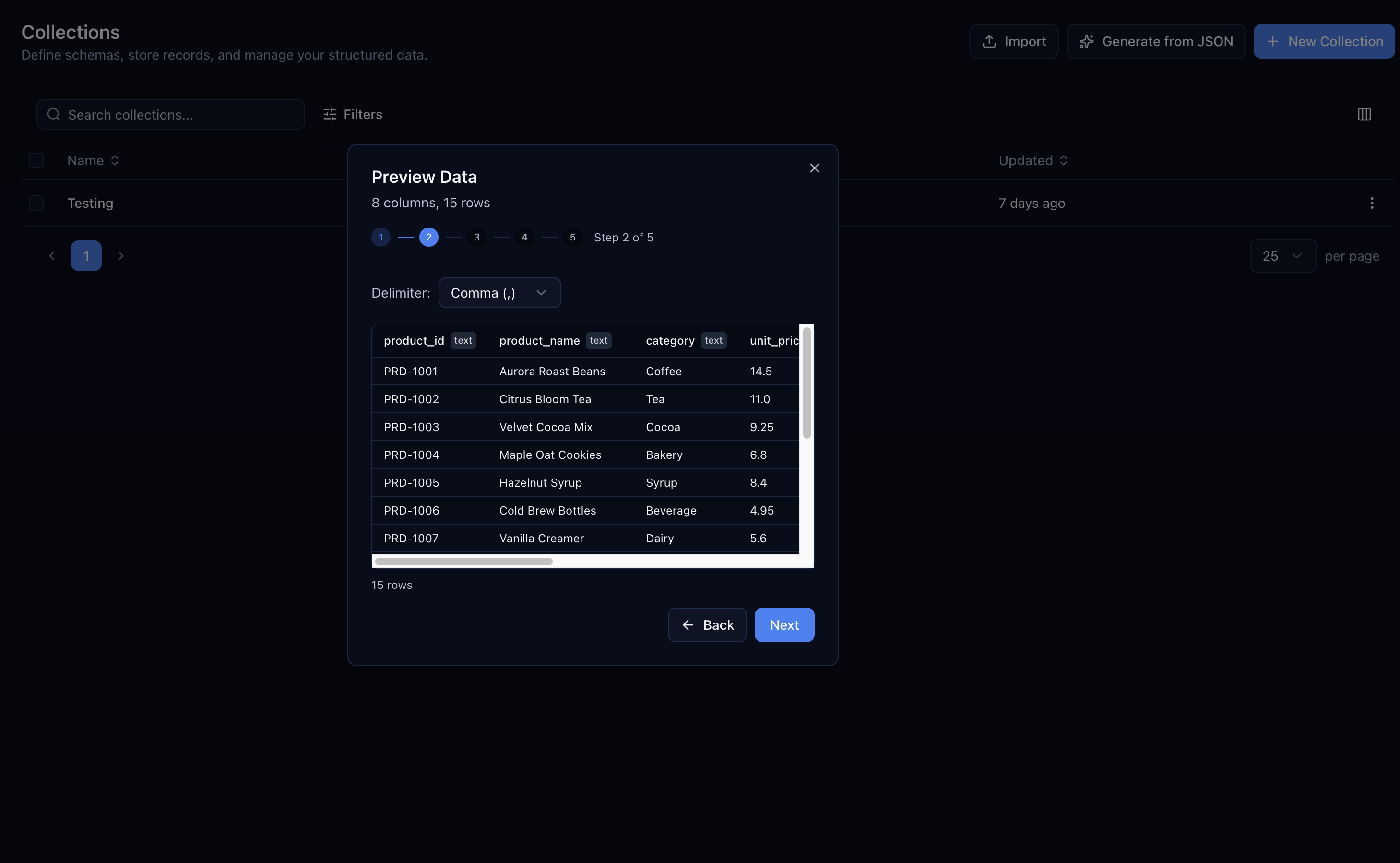
Step 2: Preview Your Data
Centrali parses the file and shows you the first rows in a table. Column headers are detected automatically, and each column is tagged with its inferred type. You can also change the delimiter if your file uses semicolons or tabs instead of commas.
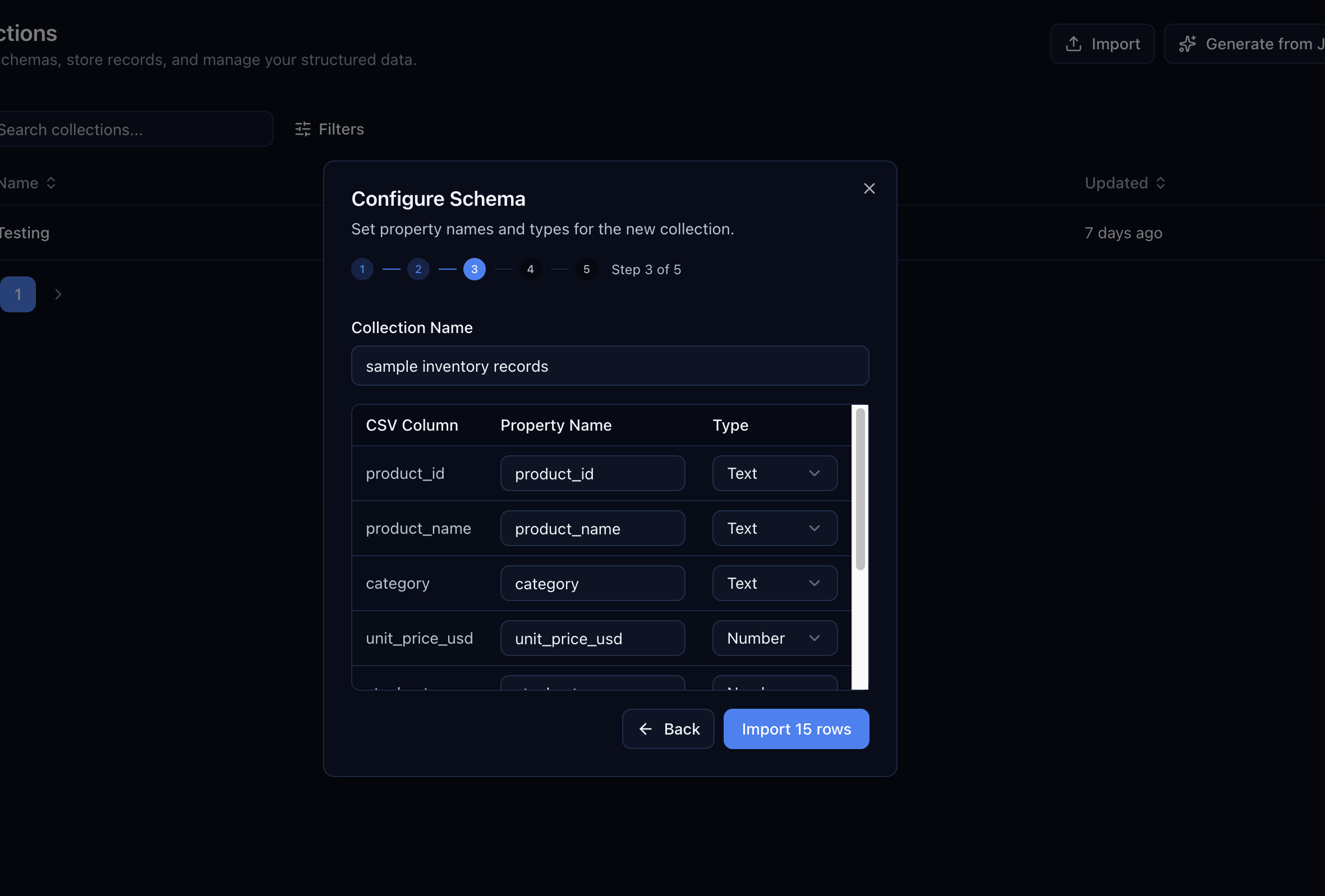
Step 3: Configure the Schema
This is where you fine-tune. Each CSV column maps to a collection property. You can:
- Rename properties — change
unit_price_usdtounitPriceif you prefer camelCase. - Change types — override the inferred type (text, number, boolean, date) if the auto-detection got it wrong.
- Skip columns — exclude columns you don't need.
The collection name is pre-filled from the filename but you can change it to whatever you want.
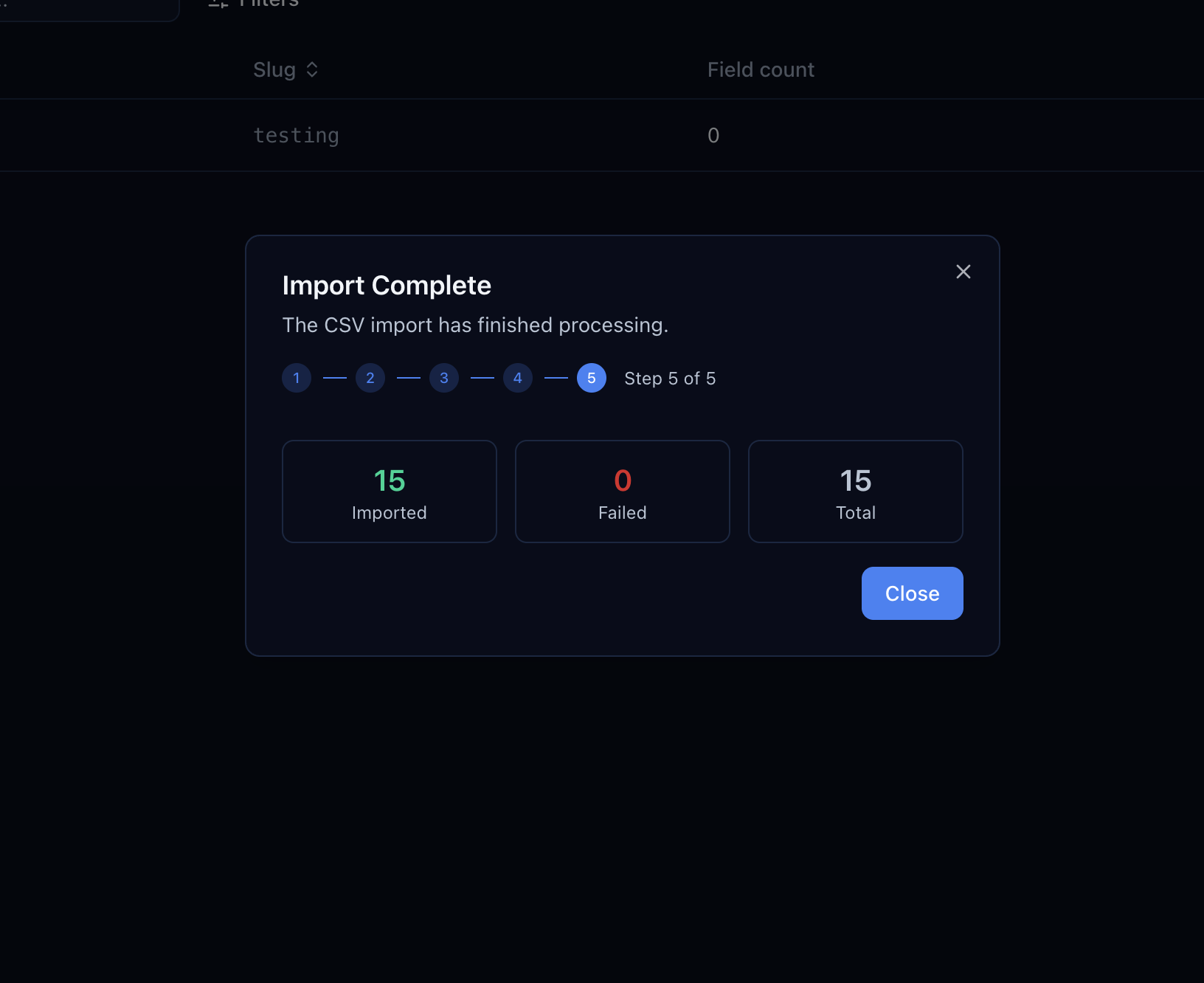
Step 4–5: Import and Done
Click Import and Centrali creates the collection, deploys the schema, and bulk-inserts all records. A summary shows how many rows were imported, how many failed (with reasons), and the total count.
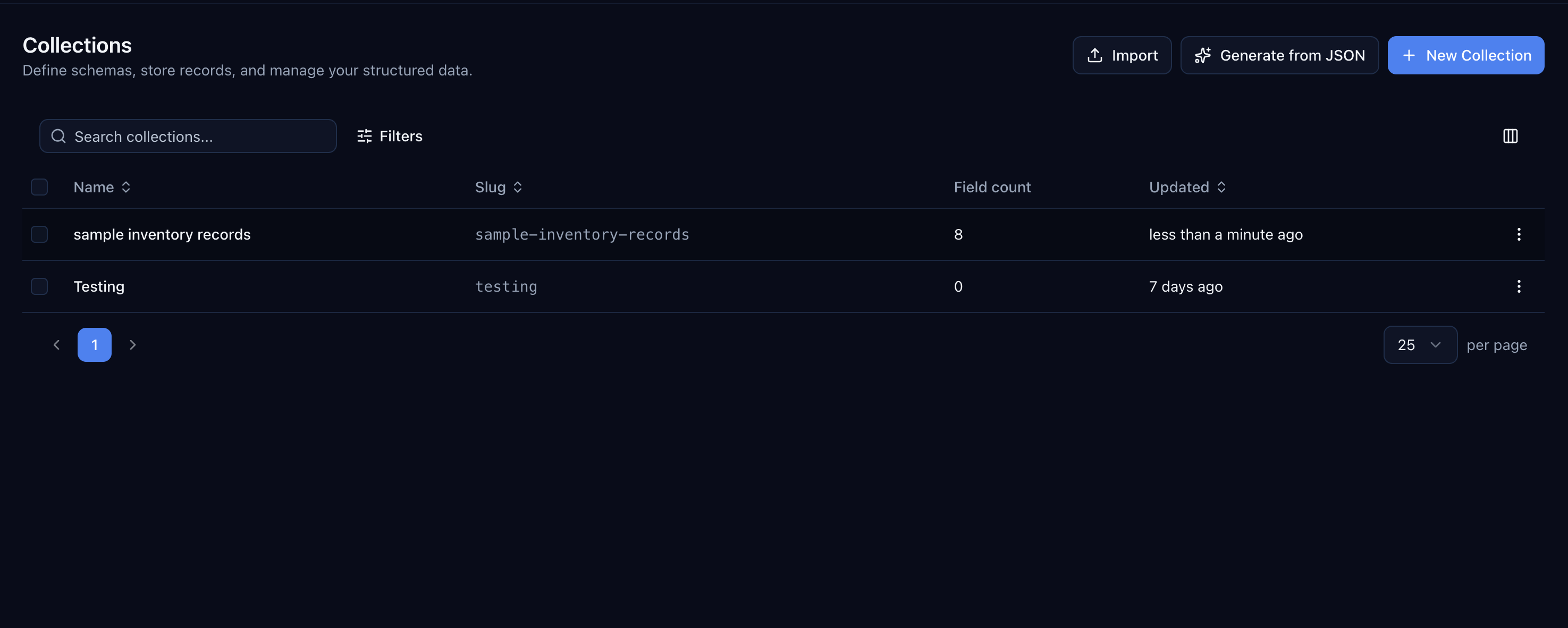
The new collection appears in your list immediately, fully queryable through the API and ready for functions, triggers, and pages.
Import Into Existing Collections
CSV import also works with existing collections. Instead of creating a new collection, you can import records into one you've already set up. The column mapping step matches CSV columns to your existing properties, and type validation catches mismatches before anything is written.
This is useful for backfilling data, migrating from another system, or loading test data into a staging workspace.
What's Next
We're exploring direct database connections and scheduled imports from cloud storage. If you have a format or source you'd like supported, let us know.
CSV import is available now in the Centrali console for all workspaces.